
← All apps
VoiceFlow
Push-to-talk dictation into any app, cleaned up by AI as you go.
- A floating mic that appears when you tap any text field
- Tap, speak, tap - polished text lands at your cursor
- Five cleanup levels, from literal to full rewrite
- Voice commands, snippets & numbered scratchpads
Coming soon · Android
Notify me at launch
What it does
Speak once. Type nowhere.
VoiceFlow lives on top of your other apps. Wherever you can type, you can dictate - email, chat, notes, forms - and the AI tidies your words before they land.
Push-to-talk anywhere
- Floating mic auto-appears on any text field
- Tap to record, tap to stop - then text is inserted
- Drag it anywhere; it snaps to the screen edge
- Shake your phone to summon it, cancel any time
AI cleanup levels
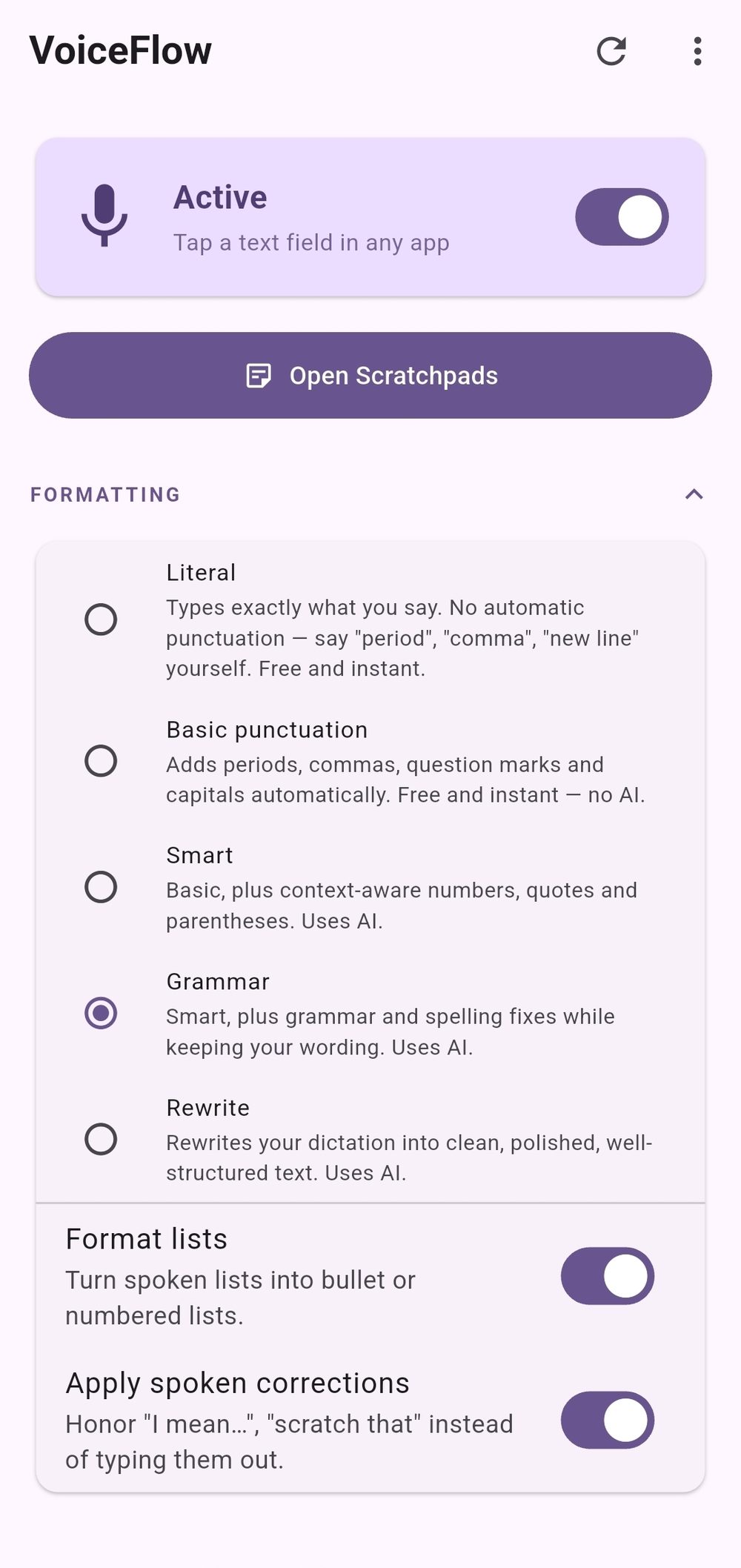
- Literal, Basic punctuation, Smart, Grammar, Rewrite
- Filler words ("um", "uh") removed automatically
- Spoken lists become real bullet lists
- "Scratch that" and "I mean…" corrections honored
Commands & snippets
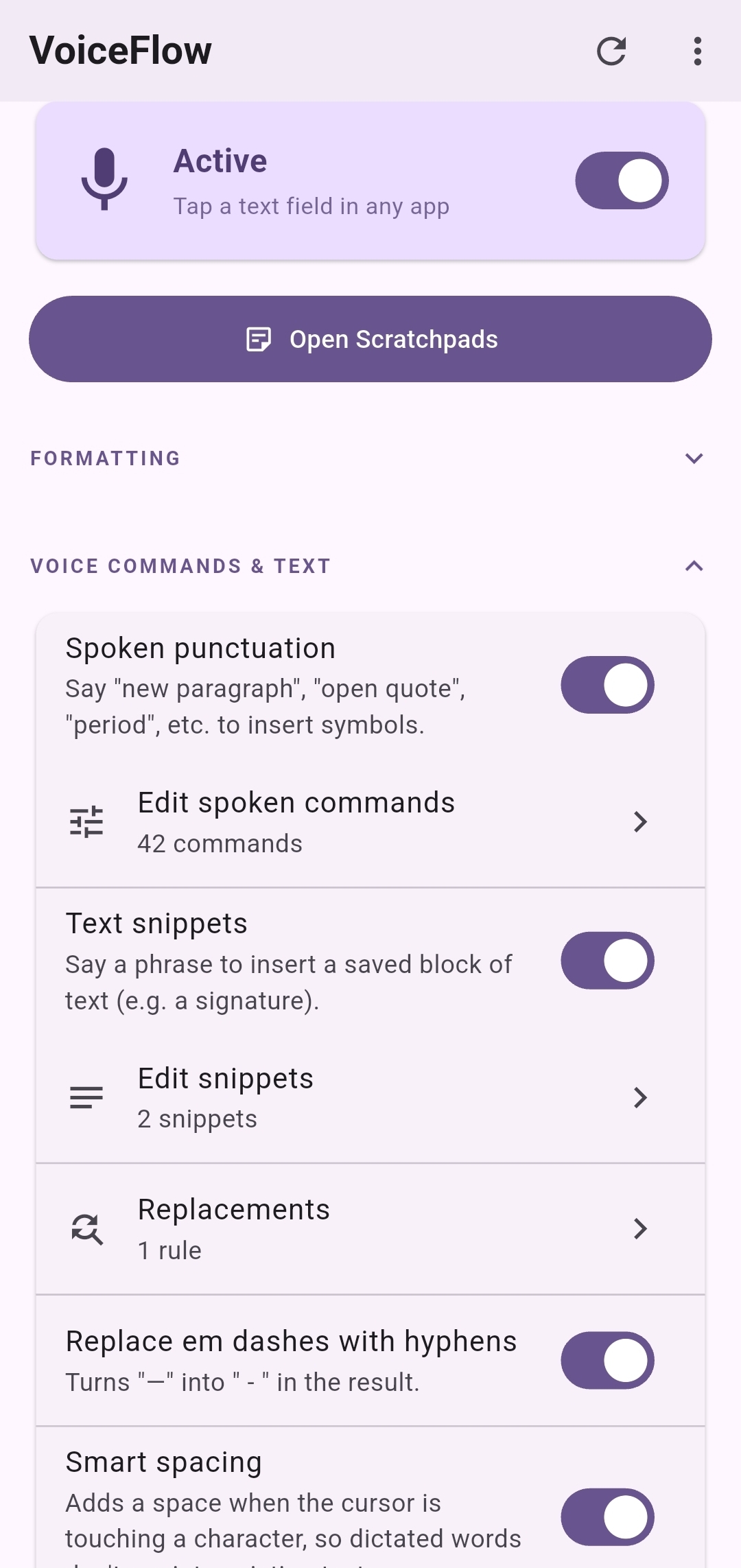
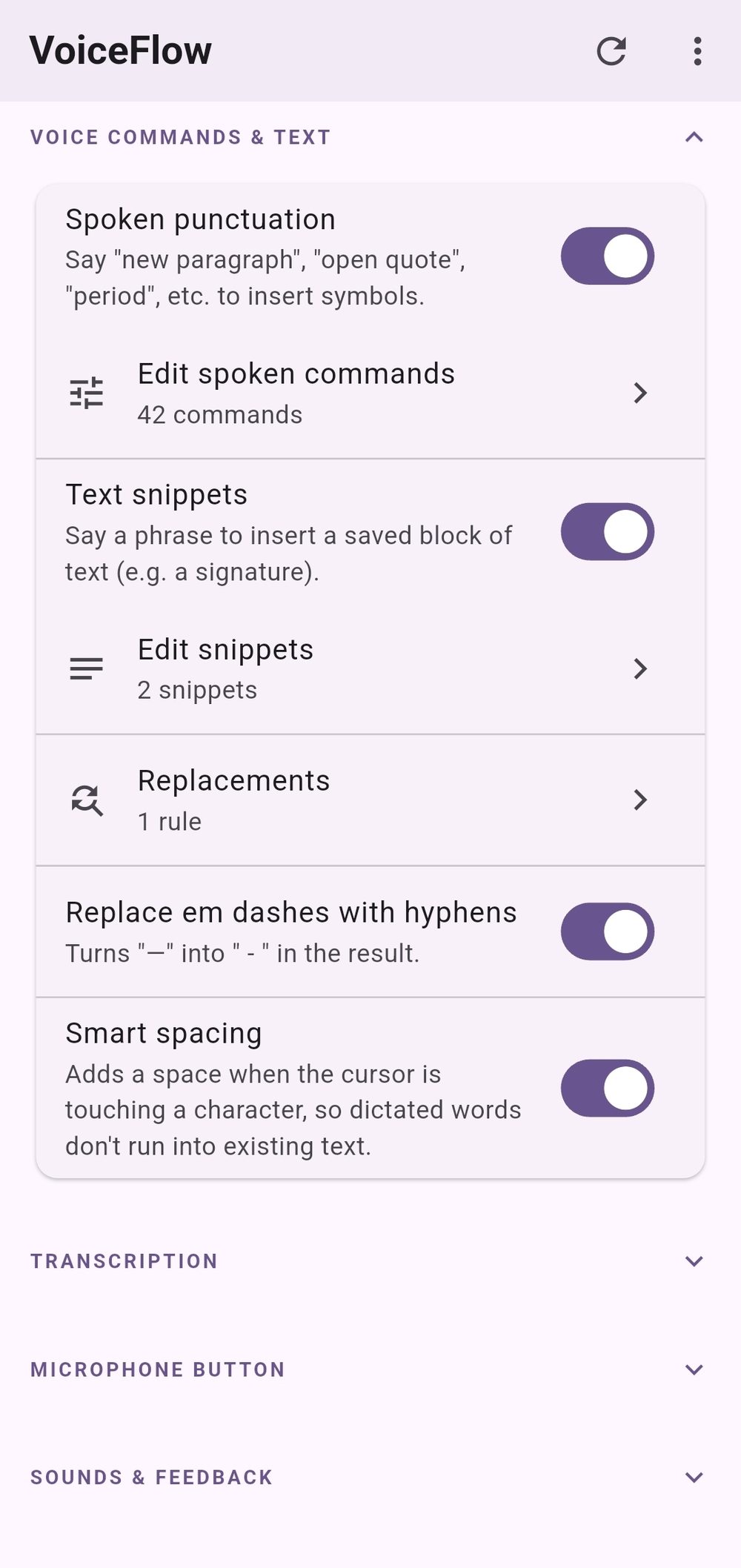
- Say "new paragraph", "open quote", "em dash"…
- ~45 built-in commands, all fully editable
- Snippets: say a phrase, insert your signature
- Personal find-and-replace rules
Scratchpads
- Say "scratch pad 1…" to file a thought from any app
- Understands "pad twenty five" and even "pad to"
- Edit, copy & manage pads in the app
- Pads merge safely across your devices
History & stats
- Searchable history of every dictation
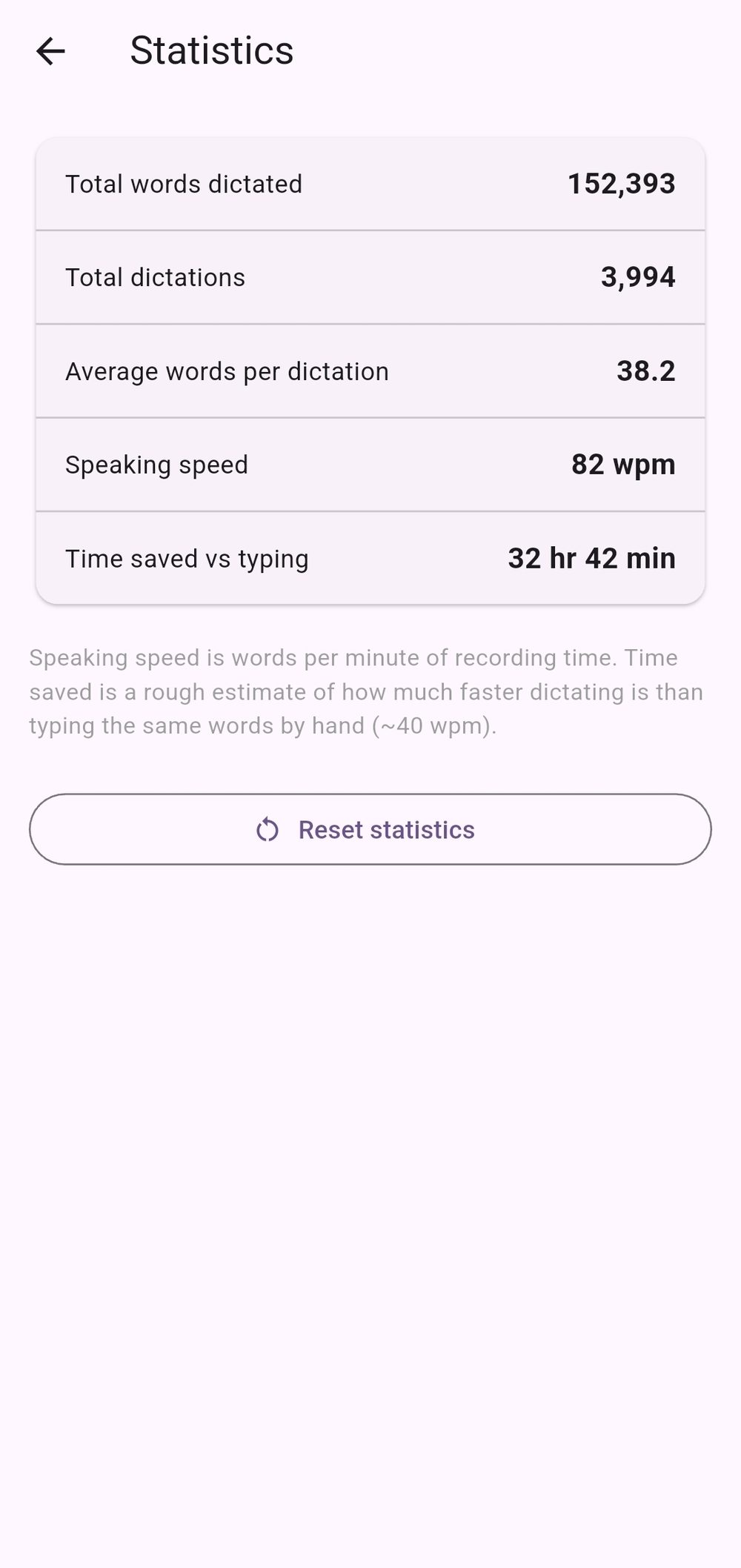
- Words dictated, speaking speed, time saved vs typing
- Stats add up across all your devices
Sync & Windows companion
- Sign in once; settings & pads follow you
- Windows companion with live in-place correction
- Same commands & snippets on both platforms
The full list
Everything in VoiceFlow.
Dictation runs in the cloud - speech-to-text by Deepgram, cleanup by Anthropic Claude - so it needs a connection and a signed-in account.
- Floating mic over any app
- Auto-show on text fields, auto-hide when done
- Tap-to-record, tap-to-stop dictation
- Cancel button to discard a recording
- Text inserted right at your cursor
- Smart spacing around existing text
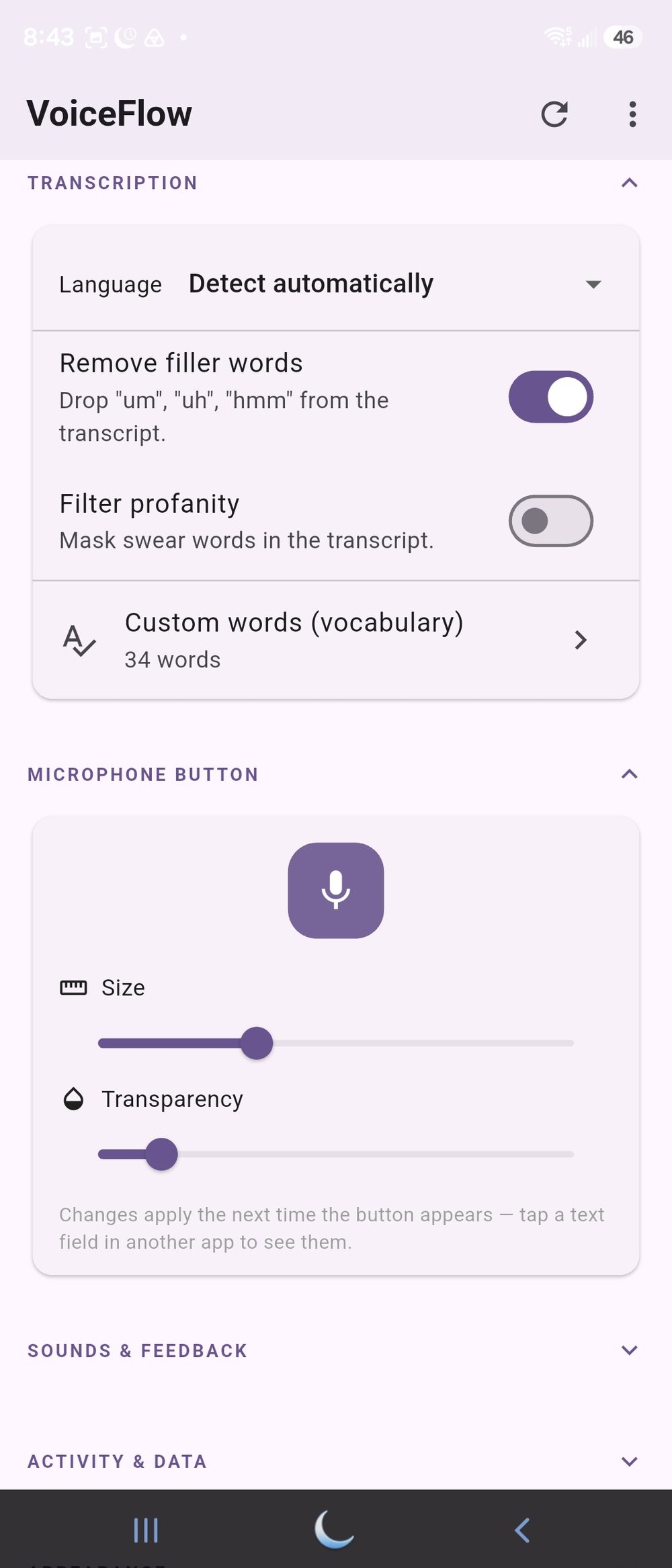
- Draggable, resizable, transparency control
- Mic pulses with your voice while recording
- Shake-to-show from anywhere
- Start/stop sound cues (toggleable)
- "Transcribing…" caption while it works
- Works with the app closed - runs quietly in the background
- Five formatting levels, Literal → Rewrite
- Filler-word removal
- Auto punctuation & capitalization
- Context-aware numbers, quotes & parentheses
- Grammar & spelling fixes that keep your wording
- Full rewrite mode for polished prose
- Spoken lists → bullet or numbered lists
- Spoken corrections applied, not typed
- Replies in the language you spoke
- ~45 spoken punctuation & symbol commands
- Fully editable command map
- Text snippets by voice
- Find-and-replace rules, case-preserving
- Em-dash to hyphen option
- Numbered scratchpads, filed by voice
- Custom scratchpad trigger word
- Scratchpad page with word counts
- Conflict-safe scratchpad sync
- Dictation history with search & copy
- Stats: words, dictations, WPM, time saved
- Cross-device stats & settings sync
- 35 language options, including auto-detect
- Custom vocabulary boost for names & jargon
- Profanity filter (optional)
- Speech-to-text by Deepgram
- AI cleanup by Anthropic Claude
- Windows companion with live in-place correction
- Light & dark themes
Screenshots
A look inside.
Android + Windows companion
Speech-to-text by Deepgram
AI cleanup by Anthropic Claude
Cloud processing, sign-in required
Get VoiceFlow
Stop thumb-typing paragraphs.
VoiceFlow is coming soon to Android. Leave your email and we'll tell you the moment it's live.